This is a premium product offering made available to members of the Makerspace.
Details
We have the 'Makerspace' edition of this software and you can read more about this offering and it's benefits and limitations at this Vectric site.
We have 5 PC's licensed at DMS that can export toolpaths, the maximum allowed. This full version of the software is called the Makerspace Edition. The software you install on your personal machine is often referred to as either Makerspace Client Edition or Trial Edition. In effect, once the Trial Edition is installed and tied to a Makerspace ID it becomes the Makerspace Client Edition.
- The PC at the Multicam
- Design PC 1 in the common Room
- The Machine Shop cart PC
- Surface Book 2
- The large workstation in the Digital Media Room (DM-4)
if you'd like to get started using this software please do the following:
- You must create an account with Vectric that you can use personally,
- Common approaches are to use a personal email address or your [email protected] account.
- You must LINK your account to our makerspace. We have a private invite code available. (TBD: Do we post that here and make the page members only or ?)
- Download the latest trial edition of V-Carve Pro from Vectric
- If your account is already setup and linked to the DMS makerspace then https://portal.vectric.com/your-software will show the latest version.
- Launch the software and complete initial setup.
- In the upper right corner of the program choose 'Log in' and you will be redirected to a web page where you must log in with your user account.
- You will then be presented with this choice where you choose to accept.

- If all goes well this is the result.
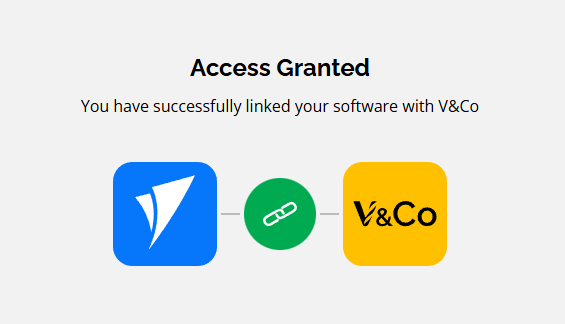
- You will then be presented with this choice where you choose to accept.
Note: Your installed software will still report being a trial edition in various places.
- Look at the learning paths and training videos available on Vectric's Support site.
Key points of Makerspace Licensing
The license agreement for the Makerspace Edition only allows linked makerspace users to load files at DMS and export tool paths on our 5 machines for cutting on CNC machines at our makerspace and it is expressly forbidden to generate toolpaths this way for use on CNC machines not present at the Makerspace premises. If these conditions are violated, the VCarve Pro Makerspace license will be revoked.
In order to export tool paths you must use a specific user/pass on one of the 5 machines listed. (TBD: How to distribute that login info - same issue as above with Makerspace ID really)
