Issues seen this year:
- Email Bouncing from Simply Voting, affected 2 users (minor)
- Confusion about how to vote. Messaging just says "Vote Online", recommend changing that to "Ballot Arrives by Email from Simply Voting"
- Website recommendations:
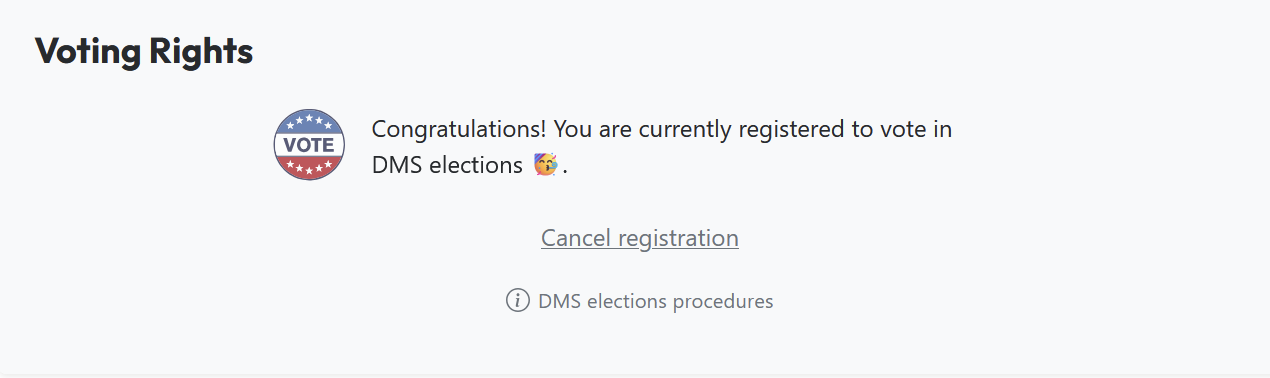
- It makes it too easy to Cancel Registration... recommend making that much harder.
- Recommend showing the member what email address will be used. (Yes, they just used it to log in, but make them see the Address)
- No In Person Voting was allowed this year
- Member suggested using an email list instead of an individual for contact on voting issues. (e.g. Admin@ )

Purpose
Our Bylaws require an annual election of our BoD, this page details the procedures that were used in the most recent election. These procedures should be updated whenever a change is made.
Procedure
Set the date and location of the Annual BoD Election
This date should be selected as soon as is reasonable and the room booked on the Event calendar.
BOD to Set the Schedule, Recommend defining schedule in January, or February at the latest.
- Election Season Opening Message... sets the START DATE (SD)
- Message on Talk, Discord, and Flyers on site
- SD+4 weeks: Statement of Intents Due
- Meet The Candidates Q&A meeting held 2 days after SOI were due
- SD+6 weeks: Last day to request Voting Rights
- Voting begins Online next day.
- SD+8 weeks: Last day to Vote
- We chose a friday this year, with the first brief new BoD meeting to follow immediately afterward.
- After the vote, post results to Talk and Discord
Meet the Candidates Format
The 2 hour meeting for meet the candidates was tightly managed for time.
- Short intro from each candidates
- Questions for Audience. Due to time constraints it 1 question per person, sweeping the room from front to back.
- Minimized Debating. Question, Answer, Move On.
- Short conclusion message from each candidate
- Close of Meeting
Voting Tool used: SimplyVoting.com
- Cost $200
- Configured settings.
- Gather Data with a PowerShell script to extract the AD Group Voting Members
- Extract Data, load into Electors list
- Set up the question, recommend setting random order for the ballot question.
- The term nominated candidates was specifically chosen to clarify that these candidates have been nominated as per our bylaws. (it's an easy thing, but avoids any debate)
- Update the Contact email. A member recommended using a group email instead of a singular person.
- Nominate all the candidates into the system
## Script to pull list of voting members into CSV for voting# 2026-04-11#
Import-Module ActiveDirectory
$GroupName = "Voting Members"
# Get members and store in variable$members = Get-ADGroupMember -Identity $GroupName -Recursive |Get-ADUser -Property DisplayName, Mail, Title, Department |Select-Object Name, DisplayName, SamAccountName, Mail, Title, Department
# Export to CSV$members | Export-Csv -Path "M:\tjsmith\voting_members.csv" -NoTypeInformation
# Output total count to consoleWrite-Host "Total users exported: $($members.Count)"
